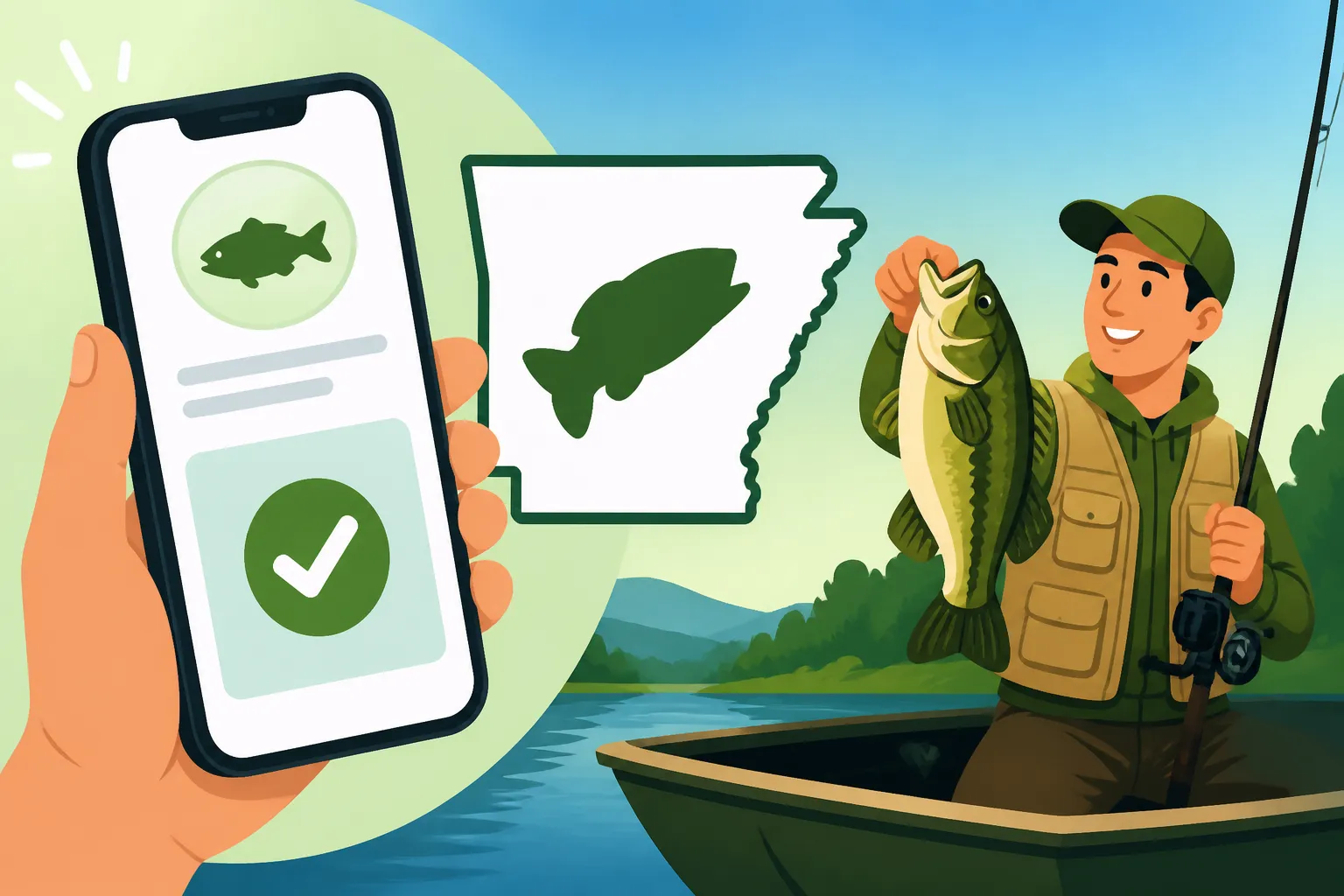
Can you buy an Arkansas fishing license on your phone?
There’s nothing quite as frustrating as getting to your favorite Arkansas fishing spot, gear in hand, only to realize your fishing license is expired, or worse, you forgot to buy one altogether. The panic sets in – will you have to drive all the way back into town, losing precious fishing time? This comprehensive guide is here to tell you that, thankfully, those days are largely behind us. We’re diving deep into how you can easily purchase your Arkansas fishing license right from your phone, ensuring you’re always legal and ready to cast a line.
The Convenience of Mobile Licensing in Arkansas
For years, getting a fishing license meant a trip to a local bait shop, a sporting goods store, or a visit to the Arkansas Game and Fish Commission (AGFC) office. While those options are still available and perfectly valid, the modern angler often needs something more immediate, more flexible. That's where the beauty of mobile licensing comes into play. You’re out on the water, the sun is rising, and you just remembered you need to renew your Resident Annual Fishing License Cost in Arkansas. Instead of packing up, you can simply pull out your smartphone.
The ability to purchase a license on the go has been a game-changer for many, eliminating the hassle and saving valuable time. Imagine you’ve just decided to take an impromptu trip to a new lake you heard about, maybe even one of the Best Fishing Spots in Arkansas. You don't want to spend your adventure running errands. With your phone, you can secure your legal right to fish literally minutes before your first cast. This digital transformation acknowledges the reality of today’s busy world, making sure that passion for fishing isn't hampered by bureaucratic hurdles. It’s about making the outdoors more accessible, not less.
AGFC's Mobile-Friendly System
The Arkansas Game and Fish Commission has truly embraced technology, recognizing that most people carry a powerful mini-computer in their pockets. Their official licensing system is designed with mobile users in mind, offering a responsive and intuitive interface that works seamlessly on smartphones and tablets. You won't find yourself pinching and zooming through tiny text or struggling with unresponsive buttons. The whole process is streamlined to guide you efficiently through selecting the right license, entering your details, and completing your purchase.
This mobile-friendly approach extends beyond just the initial purchase. The system allows you to manage your existing licenses, check their expiration dates, and even renew them with just a few taps. It means fewer calls to customer service, less paperwork, and more time focusing on what you love – fishing. This foresight by the AGFC has made it incredibly convenient for both seasoned anglers and newcomers alike to stay compliant with Arkansas Fishing License Rules and Costs. They understand that if it's easy, people are more likely to do it correctly and on time.
Instant Access, Anytime, Anywhere
One of the greatest benefits of mobile licensing is the sheer immediacy it offers. You don't need to wait for business hours, nor are you restricted by the physical location of a vendor. As long as you have an internet connection, whether it's through Wi-Fi at a cabin or cellular data by the lake, you can get your license. This means if you're planning a last-minute weekend getaway and realize late Friday night that your license has lapsed, you can handle it right then and there. No more waiting until Saturday morning for a store to open.
This instant access is particularly valuable for those spontaneous fishing trips or when you’re traveling through different parts of the state. Perhaps you're a nonresident planning a trip, wondering about Nonresident Fishing License Rules for Arkansas. You can purchase your license before you even cross the state line, ensuring you’re ready to fish the moment you arrive. It’s about flexibility and freedom, allowing anglers to spend more time enjoying Arkansas’s beautiful waterways and less time worrying about administrative details.
How to Purchase Your Arkansas Fishing License on Your Phone
Actually buying an Arkansas fishing license on your phone is surprisingly straightforward. It doesn't require any special apps or advanced tech skills, just access to the internet and your basic personal information. The AGFC has put a lot of effort into making this a user-friendly experience, so don't be intimidated if you're not usually one to do official business on your mobile device. Thousands of anglers do it every day, and you can too!
Step-by-Step Guide to Buying Online
Ready to get your license? Here's a breakdown of the process:
- Open Your Web Browser: On your smartphone or tablet, open your preferred web browser (like Chrome, Safari, Firefox, etc.).
- Navigate to the AGFC Licensing Page: Type
agfc.cominto the address bar. Once on the AGFC homepage, look for a prominent link or menu option usually labeled "Licenses & Permits" or "Buy a License." Click on this to proceed. - Choose Your License Type: The system will present you with various options, such as annual resident fishing licenses, non-resident options, trout permits, and even combination hunting/fishing licenses. You’ll need to select the specific Arkansas Fishing License Types Explained that apply to you. For example, if you're an Arkansas resident needing a standard fishing license, you'd select the appropriate resident fishing license. If you're a senior, you might be interested in options like the Arkansas Senior Fishing License Rules (65+).
- Enter Your Personal Information: This is where you'll provide details like your full name, date of birth, address, and AGFC customer ID if you have one from previous purchases. If you're a new customer, the system will help you create one. Make sure all information is accurate to avoid any issues.
- Review Your Order: Before finalizing, the system will show you a summary of your chosen license(s) and the total cost. Double-check everything here – the license type, your personal details, and the price.
- Complete Payment: You'll typically pay with a credit or debit card. Enter your card details securely into the provided fields. The AGFC uses encrypted connections to ensure your payment information is protected.
- Confirmation and Receipt: Once your payment is processed, you'll receive an instant confirmation message on screen. You'll also usually get an email receipt sent to the address you provided. This email is important as it often contains a link to view or download your official license.
This whole process usually takes less than five minutes, provided you have all your information handy. It's incredibly convenient, making the process of How to Buy an Arkansas Fishing License Online seamless.
Downloading and Storing Your License
After you’ve successfully purchased your license, what’s next? You'll want to make sure you have it readily accessible as proof of purchase, just in case a game warden asks to see it.
- Digital Copy: The confirmation email or the final screen on the AGFC website will usually include a link to view or download your digital license. It's often provided as a PDF document. You can download this PDF directly to your phone.
- Saving for Easy Access:
- Screenshot: A simple and effective method is to take a screenshot of your license on your phone's screen. This saves an image directly to your photo gallery, which is often easier to pull up quickly than navigating files.
- PDF Reader: If you've downloaded the PDF, many phones have built-in PDF readers. You can save it to your phone's "Files" app or a dedicated folder for easy retrieval.
- Email Access: Your email confirmation often acts as proof as well, especially if it clearly shows your name, license type, and valid dates. You can always pull up the email if needed.
- AGFC App (if available): Some state game and fish commissions offer dedicated apps where your license is stored. While the AGFC primarily relies on its mobile-responsive website, always check for any official apps that might offer this feature.
Having your license saved in multiple places on your phone (screenshot, PDF, and email) gives you peace of mind. Remember, having readily available proof of your valid license is crucial to avoid any potential issues.
What You Need Before You Buy on Your Phone
While buying a license on your phone is super convenient, it's not entirely consequence-free. You'll want to make sure you have a few things in order before you start the process. A little preparation can save you a lot of headache. Imagine you're trying to quickly buy a license, only to realize you don't have the right information or the battery on your phone is about to die!
Essential Information and Documents
Before you hit the AGFC website on your phone, gather these details:
- Personal Identification: Your full legal name, current address, date of birth, and possibly your driver's license number or state ID. This information helps the AGFC verify your identity and residency status. This is especially important if you're getting a Nonresident Annual Fishing License Cost in Arkansas, as rates differ significantly.
- Residency Proof (if applicable): If you're purchasing a resident license, you might be required to affirm your residency or, in some cases, provide details that confirm you've lived in Arkansas for the required period (usually 60 consecutive days).
- AGFC Customer ID: If you've purchased a license in Arkansas before, you likely have an AGFC customer ID. Having this handy will speed up the process, as the system can often auto-fill some of your details. If you don't have it, don't worry; the system can usually look you up by name and date of birth or help you create a new one.
- Email Address: A valid email address is crucial as your confirmation and often your digital license will be sent there.
- Phone Number: For contact purposes, should there be any issues with your purchase.
Having these details ready before you start typing away on your phone will make the entire transaction much smoother and faster.
Payment Options and Security
When it comes to paying for your license, the AGFC's online system primarily accepts major credit and debit cards.
- Accepted Payment Methods: Generally, you'll be able to use Visa, MasterCard, Discover, and American Express. Make sure the card you intend to use is valid and has sufficient funds.
- Security Measures: The AGFC website utilizes secure socket layer (SSL) encryption, which is the standard security technology for establishing an encrypted link between a web server and a browser. This link ensures that all data passed between the web server and browsers remain private and integral. You'll usually see a padlock icon in your browser's address bar, indicating a secure connection. This is really important when you're entering sensitive financial information.
- Avoid Public Wi-Fi for Payments: While convenient, public Wi-Fi networks (like those at coffee shops or airports) are often less secure. If possible, use a secure, private network or your phone's cellular data when making purchases involving credit card information to minimize any potential risks.
Remember, legitimate online license purchases will always go through the official AGFC website or a link directly provided by them. Be wary of any third-party sites claiming to sell Arkansas fishing licenses, especially if they ask for unusual payment methods or offer prices that seem too good to be true. Stick to the official source to ensure your purchase is valid and secure.
| Arkansas Fishing License Purchase Methods | Online (Mobile/Desktop) | In-Person (Retailer) | Mail (AGFC Office) | Phone (AGFC Office) |
|---|---|---|---|---|
| Convenience | High (24/7, anywhere) | Moderate (store hours) | Low (delivery time) | Moderate (office hours) |
| Speed | Instant | Instant | Slow (days/weeks) | Moderate (wait times) |
| Payment Options | Credit/Debit Card | Cash, Credit/Debit | Check/Money Order | Credit/Debit Card |
| Proof of Purchase | Digital (PDF/Email) | Physical Card | Physical Card | Physical (mailed) |
| Requires Internet | Yes | No | No | No |
| Best For | Last-minute, travelers | Local, traditional | Planning far ahead | Direct assistance |
Common Questions and Troubleshooting for Mobile Licenses
Even with the best intentions and preparation, sometimes things don't go exactly as planned. Or you just have a nagging question about how this whole digital license thing really works. It’s totally normal to have concerns, especially when it comes to staying legal on the water.
What if I Don't Have Cell Service?
This is a really common and valid concern, especially for those of us who love to explore the more remote corners of Arkansas. Our state boasts incredible wilderness, and cell service can be spotty at best in many prime fishing locations.
- Purchase Before You Go: The simplest solution is to buy and save your license before you leave an area with reliable internet access. Whether it's at home, a coffee shop, or your accommodation, ensure you've completed the purchase and downloaded/screenshot your license while connected.
- Save Multiple Copies: Once you have your digital license, make sure it’s saved directly to your phone's photo gallery or a local file folder, not just stored in your email or an app that requires an internet connection to load. If your license is a screenshot, it's an image file stored locally and doesn't need data to be displayed.
- Print a Backup (Optional but Recommended): While the intent of mobile licensing is digital, there's absolutely nothing wrong with having a physical backup. If you're heading to a truly remote spot, print a copy of your license and keep it in your tackle box or wallet. It's an old-school solution that still works perfectly when technology fails. Think of it as an insurance policy.
A quick check on your device before you head out, confirming you can access your saved license without a signal, will give you immense peace of mind. This way, even if you’re deep in the Ozarks or fishing a remote stretch of the White River, you’re covered.
Proof of License: Digital vs. Physical
This is a question many anglers ponder: is my phone screenshot really enough? The short answer is generally yes, but with an important caveat. The Arkansas Game and Fish Commission recognizes digital licenses as valid proof.
- Official Stance: The AGFC regulations state that you must have your license in your possession while fishing. A digital copy displayed clearly on your phone's screen is considered "in your possession." This means you don't have to carry a printed paper copy or a physical card (unless it's a specific type of tag or permit that requires a physical punch, which is rare for general fishing licenses).
- Clarity is Key: When a game warden asks to see your license, you need to be able to display it clearly and legibly on your phone. Make sure your screen is clean, charged, and that the image or PDF is easy to read. A dim screen or a blurry screenshot isn't going to help your case.
- Other Required Documents: Remember that while your fishing license can be digital, you still need to carry any other identification that might be required to verify your license, such as a driver's license, especially if you're asked to prove your identity or residency.
- Penalties for Non-Compliance: It's critical to understand the Penalties for Fishing Without a License in Arkansas. Even if you bought the license but can't prove it on demand, you could face citations. A valid, accessible digital license prevents this.
So, while the convenience of a phone-based license is fantastic, just make sure you can pull it up easily and clearly when needed. It’s all about being prepared and respectful of the regulations outlined in the Arkansas Fishing Regulations Guide. For example, if you're a visitor, and wondering Is the 3-day trip license enough for a weekend fishing trip?, having that digital 3-day license readily available on your phone is exactly what you need.
Ultimately, buying an Arkansas fishing license on your phone is a fantastic modern convenience that the AGFC has embraced. It empowers anglers to be responsible and compliant without interrupting their outdoor adventures. Just remember to secure your purchase, save it reliably, and keep your phone charged, and you'll be set for a great day on the water! You can even quickly check the Renewing an Arkansas Fishing License process on your phone if you happen to forget when your current one expires.
Disclaimer
The information provided in this article is for general guidance only and is subject to change. While we strive to keep the information accurate and up-to-date, fishing regulations, license costs, and purchasing procedures are set by the Arkansas Game and Fish Commission (AGFC) and can be modified. Always refer to the official AGFC website or contact them directly for the most current and authoritative information before engaging in any fishing activities. Compliance with all state and federal regulations is the responsibility of the individual angler.